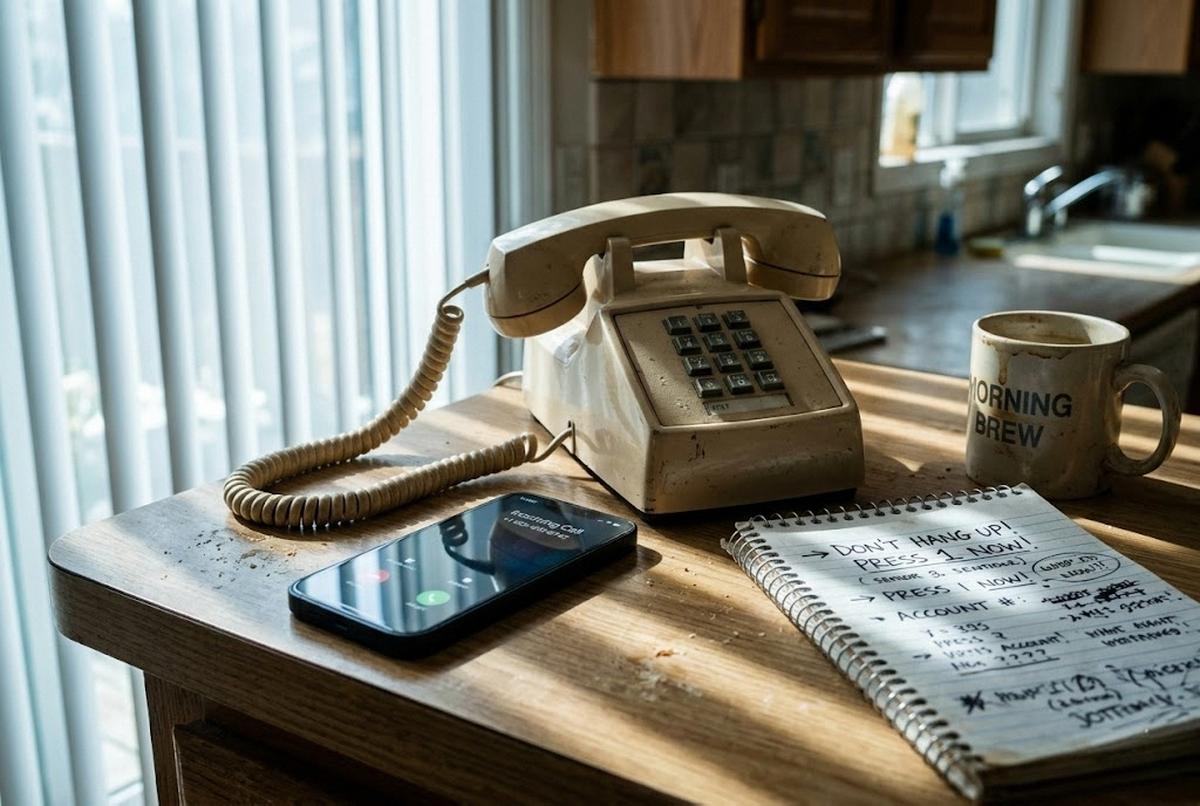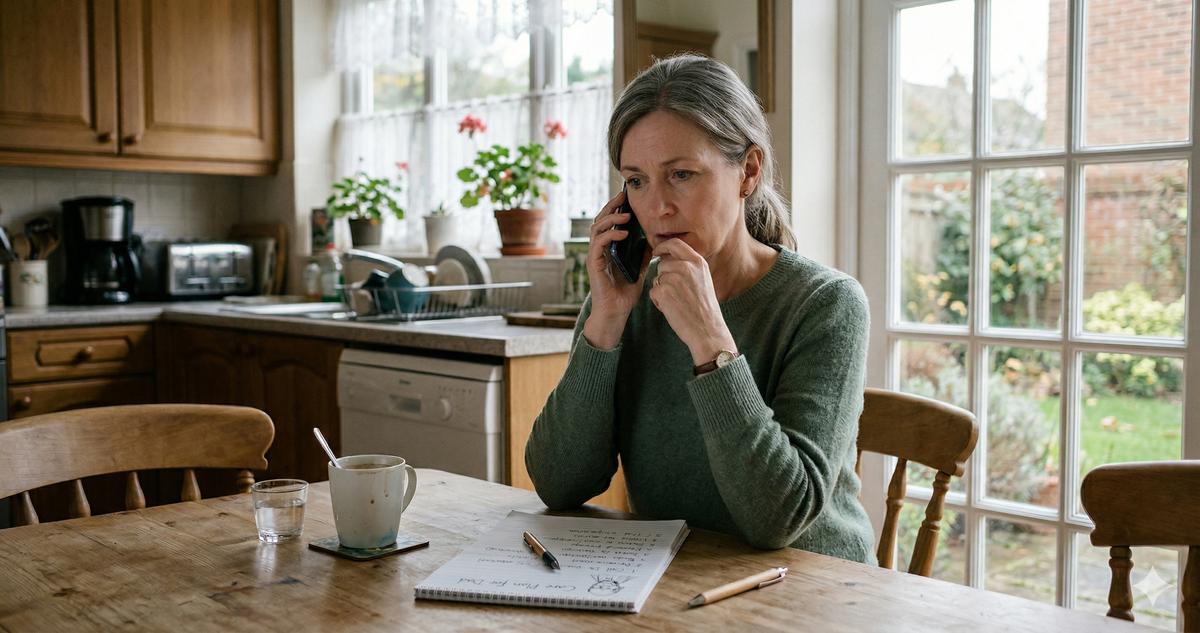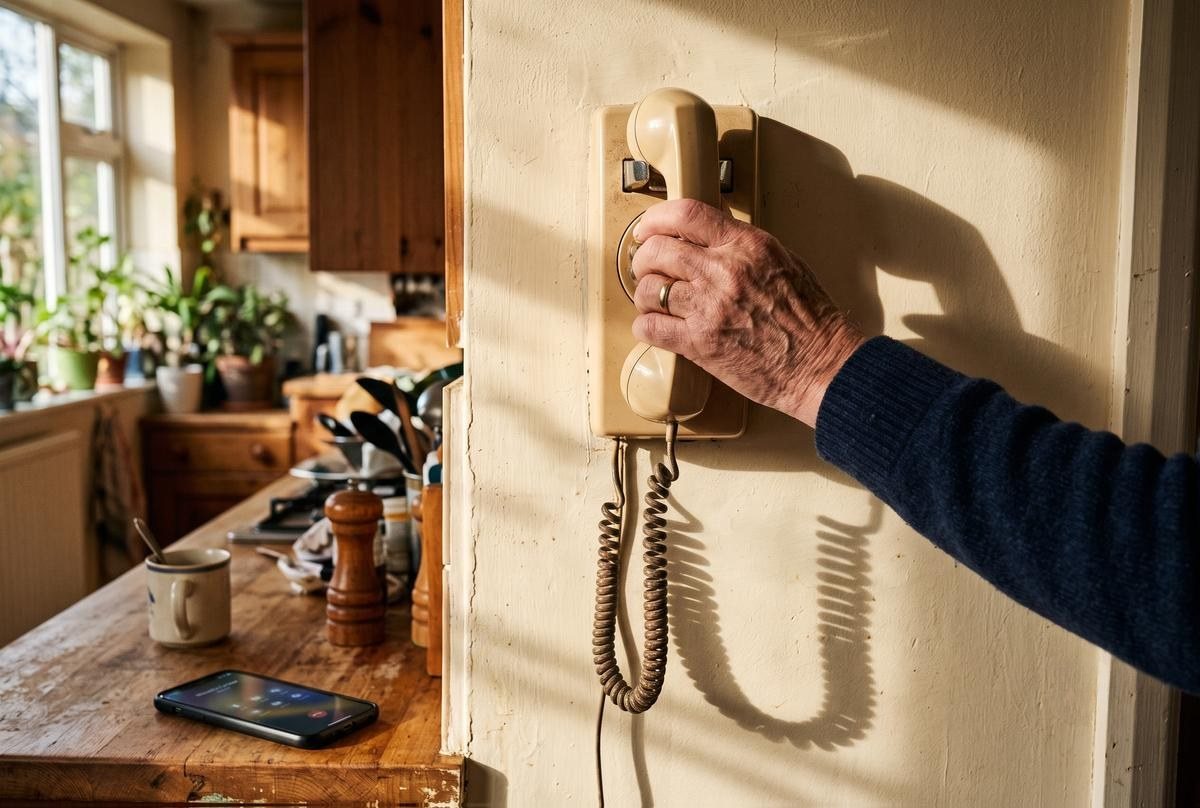
My parents still have a landline. A real one, mounted on the kitchen wall, with a curly cord my father refuses to give up. They both have cell phones I set up for them, but the landline is the number every relative back in the Philippines has memorized, so it stays. Lately it has been ringing all day long: fake auto warranties, "your Medicare benefits are suspended," a recording about a package that doesn't exist. The whole circus.
Years back, I thought I'd solved this. I set up a free service called Nomorobo on their line and the junk calls basically stopped. Then this spring my mother called to tell me they were back. I figured something had glitched on my end. It hadn't. Nomorobo shut down its free landline service on January 1 of this year, after blocking something like 1.5 billion calls since 2013, and just like that the best free option for landlines was gone. Nobody mailed my parents a warning. The calls simply returned.
So whether you're fighting these things on a cell phone, a landline, or both, this one's for you. I'm going to go phone by phone, because the fixes are genuinely different depending on what you're holding. And I'll tell you straight where the tools fall short, because a guide that pretends any single trick makes robocalls disappear is worse than no guide at all.
The calls have not slowed down
Let me start with the scale, because a lot of people assume this problem is fixing itself. It is not! Americans got roughly 4.1 billion robocalls in May of 2026 alone, in a single month, according to the YouMail Robocall Index, which tracks this stuff. About half of that flood is telemarketing and flat-out scam calls. The rest is appointment reminders, pharmacy alerts, the legitimate noise.
Four billion a month! That number has barely budged in years, no matter how many laws Congress passes at it. So if you feel like you're losing, you're not imagining things. The upside is that you have more control than you think. You just have to switch it on yourself.
The Do Not Call Registry helps, but know what it can't do
First stop, and it's free: the National Do Not Call Registry. Go to donotcall.gov, or call 1-888-382-1222 from the phone you want to register. Once you're on it, you're on it for good. Registration never expires, despite what the "your registration is about to lapse" scam calls will tell you. Give it up to 31 days for legitimate sales calls to taper off.
Now the honest part. The registry only stops law-abiding telemarketers, the companies that actually check the list before they dial. Scammers do not check the list. They were never going to. So registering is worth doing, and it quietly cuts out a whole layer of legal junk, but it will not stop the calls that scare you the most. Set your expectations there. If a call is already breaking the law by impersonating a Medicare agent, a do-not-call list means nothing to the person on the other end.
Your cell phone already has tools built in
Most people leave real protection on the table right about here. Before you download anything, look at what your phone can already do.
On an iPhone, open Settings and find the Phone section. There's an option for handling calls from anyone who isn't in your contacts. You can send unknown callers straight to voicemail, or, on the newest iOS, have the phone ask a caller to say why they're calling before it ever rings, a live screening that filters out recordings before they reach you. Pair that with Live Voicemail, which shows you a running transcript on your screen while someone leaves a message, so you can read who it is and grab the call if it's your doctor's office. I walk through the full process in my guide on setting up an iPhone for a senior parent, because the defaults are not obvious and Apple buries some of this.
Android has its own version. Google's Pixel phones have Call Screen, where the Assistant literally answers unknown calls, asks who's there, and shows you a live transcript. It's the best built-in tool I've used, and it's Pixel-only. Samsung Galaxy phones have Smart Call, which flags suspected spam using Hiya's database, and newer Galaxy models are starting to add Google's call screening too.
One caution — actually, let me just say it plainly: these tools screen unknown numbers, so tell the important people in your life (the pharmacy, the cardiologist, the grandkids) to leave a message if you don't pick up. Otherwise you'll miss a call that mattered while you were busy dodging the ones that didn't.
Turn on your carrier's free spam blocking
Every major U.S. carrier now includes free spam protection, and a lot of folks have never switched it on.
- AT&T has ActiveArmor. The free tier blocks and labels suspected spam and lets you keep a personal block list. There's a paid tier with extras, but the free one covers the basics.
- Verizon has Call Filter. Free, it detects and filters spam, keeps a log of what it caught, and lets you report numbers. It also has a Neighborhood Filter that silences calls faking your own area code and prefix, the "local" number trick scammers love. Call Filter Plus runs $3.99 a month for one line (or $10.99 for three or more) and adds caller ID and a personal block list.
- T-Mobile has Scam Shield, bundled free, with Scam ID and Scam Block built in. There's a premium tier for people who want more.
My take: start with the free tier on whatever network you're on. For most people it's enough, and you can always add the paid version later if the junk still gets through. Turn it on through your carrier's app or by dialing their short code. A quick search for "[your carrier] scam block" gets you the exact steps.
Now the hard part: landlines
Most robocall guides just stop right about here, and it's exactly the part my own family needed.
The frustrating truth is that not all landlines are the same, and what you can actually do about robocalls depends entirely on which kind of service you have coming into the house. If your phone comes over the internet — Xfinity Voice, Ooma, Vonage, or a fiber "digital voice" plan — that counts as VoIP, and you have options. If it's an old copper line straight from the phone company, the kind that still works during a blackout, you have fewer.
That distinction is the whole reason Nomorobo mattered. Its free service used a clever trick that only worked on VoIP lines: your phone and Nomorobo's system would ring at the same time, Nomorobo would check the number against its blocklist, and if it came back as junk, it hung up after the first ring. Traditional copper lines never supported that simultaneous ring, so they never got Nomorobo at all. And now that the free VoIP service is gone as of January, even the people who relied on it are back to square one.
I felt that one personally. My parents' line is VoIP through their cable company, and rebuilding their protection from scratch this spring is half the reason I'm writing this.
Landline fixes that still work
Alright, what can you actually do on a landline in 2026? A few things, and I'll rank them by how much they help.
Ask your phone company what they offer now. It's Nomorobo's own parting advice, and it's right. Many VoIP providers have call-blocking built in. Xfinity, Ooma, and others each have a spam-blocking feature or an add-on. Call the number on your bill and ask, "What do you have for blocking robocalls on my line?" You may already be paying for something you never turned on!
Get a hardware call blocker. For a copper landline, this is your best bet. A device like the CPR Call Blocker (the V5000 and V100K are common models) sits between your wall jack and your phone. It comes preloaded with thousands of known robocall numbers, and when a new junk call gets through, you press one button to block it for good. No monthly fee. Two things to know: these need active Caller ID service on your line to work, and they generally don't work on VoIP digital-voice services, so match the tool to your line. A good one runs under a hundred dollars, one time. My father, the retired process engineer, wanted to know exactly how the box decides what's junk — he was hoping for some elegant formula. It's a list. He was a little disappointed. Anyway.
Try the 77 trick, but don't oversell it to yourself. On most AT&T and Verizon landlines, dialing 77 turns on Anonymous Call Rejection, which bounces callers who deliberately hide their number as "Private." To switch it back off, dial 87. Sounds good, and it's free. The honest limit: it only blocks calls marked "Private." It does nothing about "Unknown" or "Out of Area" numbers, and nothing about the spoofed calls that show a fake but visible number, which is how most scam calls arrive now. So 77 is a small win, not a solution. Use it, but keep your expectations low.
Consider Nomorobo's paid app. Nomorobo didn't vanish entirely. Their paid mobile app, Nomorobo Max, still exists for a modest yearly subscription. It's for a smartphone, though, not the wall phone, so it helps the cell side, not the copper line itself.
Apps can do more, for a few dollars and a tradeoff
On a smartphone, third-party apps like RoboKiller, Hiya, and YouMail go further than the built-in tools. They keep big, constantly updated databases of bad numbers, and some will even answer spam calls with a bot to waste the caller's time. Most run a few dollars a month, and YouMail has a free tier worth trying first.
One thing I insist on being upfront about, because the app listings won't tell you plainly: these apps generally need access to your contacts and your call history to do their job. That's the tradeoff. You're handing a company a look at who you call in exchange for better spam filtering. For some people that's a fair deal, and for others it isn't, the same conversation I have about whether seniors actually need a VPN. Read the privacy policy, or have someone you trust read it with you, before you install.
When one slips through anyway
It will happen.
No setup catches everything. So the single most important rule, straight from the FTC, is this: when a recording tells you to "press 1 to speak to an operator" or "press 2 to be removed from our list," do not press anything. Pressing a button just confirms to the scammer that a real person is on a live line, and that gets your number sold and dialed more, not less. Don't call back a number you don't recognize, either. Just hang up.
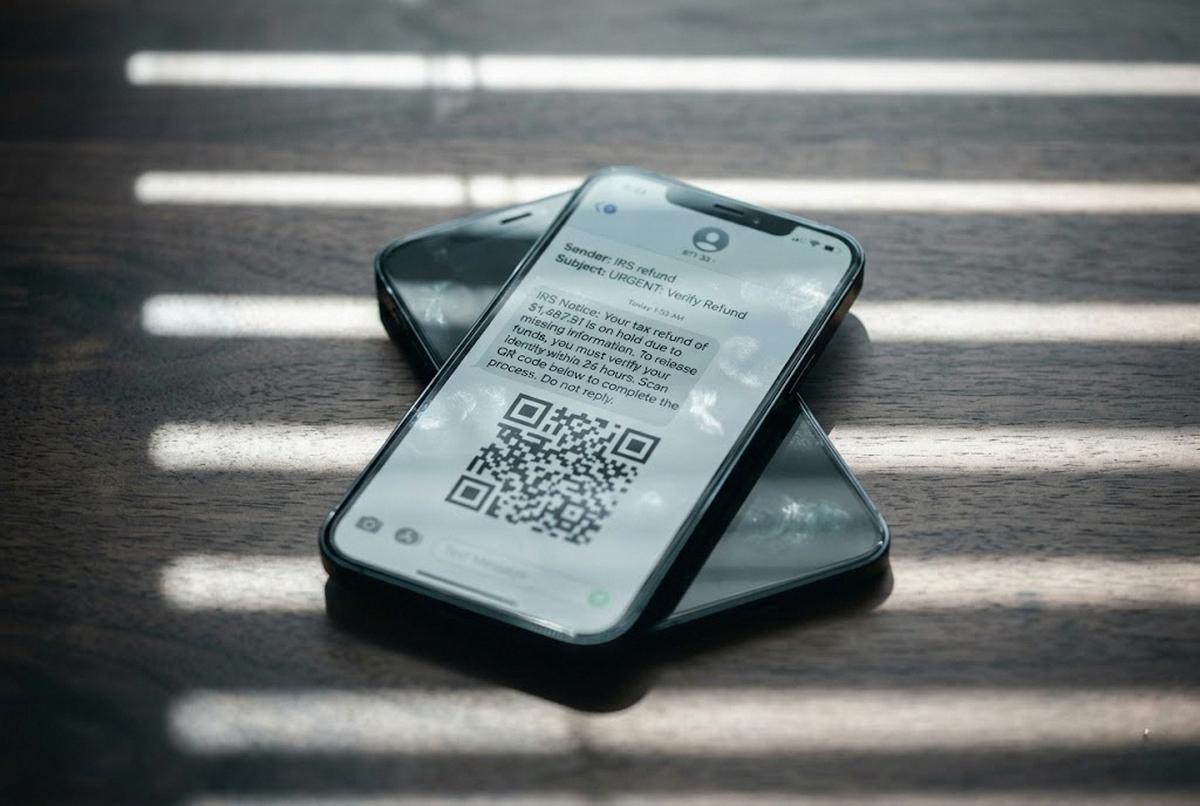
You've probably heard the warning about the "can you hear me?" scam, the one where a recorded "yes" supposedly gets used to authorize charges. Let me give you the accurate version, because the panic around this one runs way ahead of the facts. The FCC did put out a real alert about these calls. But the fact-checkers at Snopes, the BBB, and AARP looked hard and found no documented case of anyone actually losing money from a recorded "yes." Companies don't approve charges by matching your voice. So hanging up without answering questions is smart practice, but if you already said "yes" to one of these, you don't need to lie awake over it. What deserves your attention instead is the newer stuff: AI voice-cloning scams that mimic a grandchild's voice, and the reworked 2026 IRS refund calls, which are real and growing threats worth understanding.
Where to report it, and why this keeps happening
Reporting takes two minutes, and it does feed the enforcement machine, so it's worth doing:
- Annoying telemarketers who ignore the Do Not Call list: report at DoNotCall.gov.
- You lost money, or nearly did, to a fraud: ReportFraud.ftc.gov.
- Illegal robocalls, caller-ID spoofing, or a call mislabeled on your screen: file with the FCC at consumercomplaints.fcc.gov.
You might wonder why any of this still gets through when there's a federal system called STIR/SHAKEN that's supposed to verify caller ID. In plain English, STIR/SHAKEN lets carriers digitally "sign" a call to prove the number really is who it says it is. The catch is that it's detection, not blocking. It can flag a call as unverified, but plenty of bad actors, especially overseas ones, slip past the signing, so the call still rings your phone. Think of it as a lock on the front door that a lot of burglars have learned to climb around. It's the same reason you're better off learning to spot a scam text message yourself than trusting your phone to catch every one.
One last thing
I got my parents' landline mostly quiet again this spring. The cable company's own blocker on the landline, and Live Voicemail on their cell phones. It took a Sunday afternoon and a couple of phone calls I didn't enjoy making. Not perfect. A junk call still sneaks through now and then. But my mother stopped flinching every time the phone rang, and that was the whole point.
Pick one thing this week. Turn on your carrier's free filter, or call your phone company and ask what they've got for your line. Twenty minutes and a cup of coffee. You won't stop every call, and I won't pretend otherwise. But you can turn the flood back into a trickle, and for the people I love, that turned out to be more than enough.