My wife said something last November I haven't been able to shake. We were lying in bed, lights off, and she asked me: "If your dad had been wearing one of those watches when his heart thing happened, would it have caught it?" I didn't answer right away. Papa had a scare back in September — irregular heartbeat, ended up in the ER at Beaumont for two nights hooked up to monitors. He's fine now. But the question sat with me for weeks.
And so I did what I always do when something sits with me. I went down the rabbit hole. Spent a few late nights in my home office after the kids were asleep, reading FDA filings, comparing spec sheets, watching teardown videos on YouTube, scrolling through Reddit threads from cardiologists and paramedics and adult children who'd bought Apple Watches for their parents. I wanted to know: which health features on the Apple Watch actually matter for someone like my dad? Not the marketing version. The real version.
I came out the other side with opinions. Some of them might surprise you.
Which Apple Watch Should You Actually Buy?
Apple sells three watches right now, and the naming makes it more confusing than it needs to be. The lineup as of early 2026 looks like this.
The Apple Watch SE 3 starts at $249 for GPS-only. Fall detection, crash detection, heart rate monitoring, Emergency SOS, sleep tracking, temperature sensing, and even sleep apnea notifications. What it doesn't have: no ECG and no blood oxygen sensor. For a lot of families, this is the right call, and I'll explain why in a minute.
Next up, the Apple Watch Series 11 starts at $399 for GPS, $499 for GPS + Cellular. Everything the SE has, plus the three sensors the SE leaves out: ECG, blood oxygen monitoring (restored after the Masimo patent workaround, which I'll get into below), and the new hypertension notification feature. If health monitoring is the whole reason you're buying, go with this one.
Then there's the Apple Watch Ultra 3 at $799. Same health sensors as the Series 11, but bigger screen, tougher build, and a battery lasting up to 72 hours in Low Power Mode versus the Series 11's 38 hours. Overkill for most seniors. Granted, the battery life is genuinely appealing if your parent forgets to charge things, but $799 is a lot of money for a bigger battery.
My recommendation for most families: the Series 11 GPS + Cellular at $499. The cellular part matters, and I'll get to why.
The Health Features Worth Paying Attention To
Not all Apple Watch health features are created equal. Some have FDA clearance. Some don't. Some sound amazing in a press release and are less useful in practice. Let me break down the ones I think actually matter for older adults.
ECG (Electrocardiogram): FDA-cleared since 2018. You press your finger to the Digital Crown for 30 seconds, and the watch records a single-lead ECG. It can detect atrial fibrillation, the most common type of irregular heartbeat and a major stroke risk factor. The Apple Heart Study — run by Stanford, published in the New England Journal of Medicine in 2019 — found Apple Watch AFib detection had about an 84% positive predictive value. Not perfect. Not a replacement for a Holter monitor or a visit to your cardiologist. But for catching something between doctor visits? Genuinely useful. My dad's cardiologist at Beaumont told me he's had patients walk in with Apple Watch ECG printouts leading to real diagnoses. PDF exports right from the Health app on iPhone.
Irregular Heart Rhythm Notifications: Separate from the ECG app. Runs passively in the background using the optical heart sensor, checking for signs of AFib periodically throughout the day. You don't have to do anything. If it detects irregularities over multiple readings, it sends a notification. FDA-cleared.
Blood Oxygen (SpO2): This one has a complicated history. Apple removed blood oxygen readings from U.S. watches in late 2023 after losing a patent dispute with Masimo Corporation. In August 2025, Apple released a workaround: the watch collects the data but processes it on a paired iPhone, and you view results in the iPhone's Health app, not on the watch itself. An ITC judge ruled in March 2026 the workaround doesn't infringe Masimo's patents. So blood oxygen is back, sort of. It works. Just not as seamless as it used to be. Available on Series 11 and Ultra 3 only.
Sleep Apnea Detection: FDA-cleared as of September 2024, introduced with Series 10. Uses the accelerometer to track "breathing disturbances" while you sleep. Over time, it identifies patterns consistent with moderate-to-severe obstructive sleep apnea. The American Academy of Sleep Medicine estimates roughly 30 million Americans have sleep apnea, and the vast majority don't know it. For a health screening running while you sleep, pretty significant.
Hypertension Notifications: The newest feature. FDA-cleared September 2025, rolling out with watchOS 26. Uses the optical heart sensor to analyze how blood vessels respond to heartbeats over a 30-day period, then flags potential hypertension. Available on Series 9, 10, 11, and Ultra 2 and 3. It does NOT give you a blood pressure reading. Instead, it alerts you to patterns suggesting high blood pressure so you can follow up with an actual cuff and your doctor. Big difference.
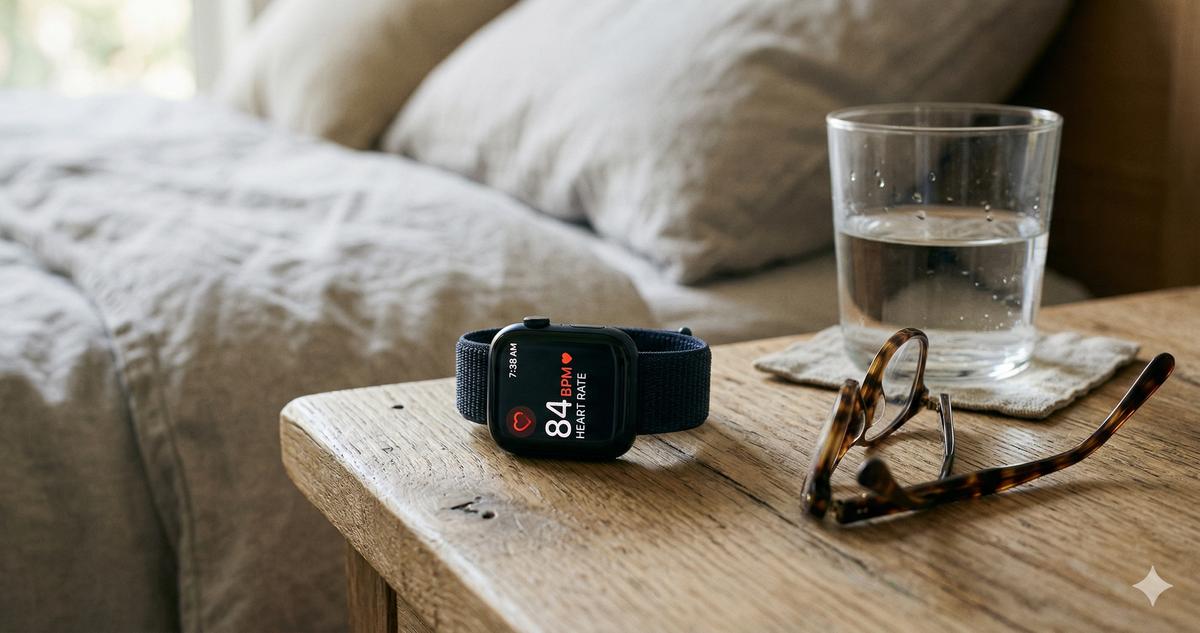
Heart Rate Monitoring: Not FDA-cleared as a medical device, but useful every single day. High and low heart rate notifications alert you if your resting rate goes above or below thresholds you set. After Papa's September ER visit, I started checking his Health app data regularly. In late October, I noticed his resting heart rate had been hovering around 92 bpm for several days running. Flagged it to his cardiologist, who adjusted a medication. The watch didn't prevent the original ER trip, but the ongoing data gave us a window into his recovery we wouldn't have had otherwise.
Fall Detection and Emergency SOS: The Reason Most Families Buy One
Tito Bing called me on a Sunday afternoon in January. His wife had slipped on ice coming out of church in Dearborn, hit the sidewalk hard, and couldn't get up. She was wearing an Apple Watch SE. It detected the fall, started a 30-second countdown, and when she didn't cancel it (she was in too much pain to move her wrist) the watch called 911 automatically. Gave dispatchers her GPS location. Sent an alert to Tito Bing's phone. Ambulance was there in eight minutes!
That story is why cellular matters.
Fall detection works on every current Apple Watch model. But Emergency SOS calling without an iPhone nearby requires either cellular connectivity or a Wi-Fi connection with Wi-Fi calling enabled. A GPS-only watch paired with an iPhone in the next room? Fine. A GPS-only watch on someone who went for a walk without their phone? Can't call anyone.
Cellular adds about $10 to $12 per month through your carrier. For my family, the peace of mind is worth it, especially for a parent living alone or one who doesn't always carry their phone. One detail most people miss: fall detection is turned on by default for users 55 and older (Apple uses the age in your Health profile), but you should still verify. Open the Watch app on the paired iPhone, tap Emergency SOS, and confirm Fall Detection is set to "Always On," not just during workouts.
Apple also added Emergency SOS via satellite on the Ultra 3, which works even without cellular service. For most seniors living in metro areas, probably unnecessary. But if your parent lives rural, worth knowing about.
What the Apple Watch Is Not
I need to be direct about this because I see too many articles dancing around it.
The Apple Watch is not a medical alert system. No 24/7 monitoring center. No trained operator who knows your parent's medical history. No guaranteed response time. Fall detection misses some falls — Apple says so themselves. If your parent is at high fall risk or lives alone with serious health conditions, a dedicated medical alert device is still the baseline. The Apple Watch is a powerful supplement. Not a replacement.
Setting It Up for a Parent (Without Losing Your Mind)
Actually, let me correct something I assumed for years. Setting up an Apple Watch for a parent is NOT as painful as setting up their iPhone was! Apple has improved this considerably. Budget about 45 minutes for the whole process, including customization. Coffee helps.
What you'll need: An iPhone 11 or newer running iOS 26 or later (for Series 11 compatibility), the Apple Watch, the charging cable, and your parent's Apple ID password. If they don't remember it, reset it before you start. Trust me on this.
The accessibility settings to prioritize:
- Text Size: On the watch, go to Settings > Display & Brightness > Text Size. Crank it up. Most seniors I've set watches up for end up at the second-to-largest setting
- Bold Text: Same menu. Turn it on. Makes everything more readable
- Reduce Motion: Settings > Accessibility > Reduce Motion. Cuts down on animations, which can be disorienting
- Haptic Alerts: Settings > Sounds & Haptics. Set the haptic strength to maximum. My mom couldn't feel the default "prominent haptic" tap on her wrist — the vibration was too subtle. Maximum fixed it
- Watch Face: Use the "Modular" or "Infograph" face with large complications. Skip the artistic faces. Your parent needs to see the time, their heart rate, and the weather at a glance. Function over fashion
- Fall Detection: Watch app on iPhone > Emergency SOS > Fall Detection > Always On
- Medical ID: Fill this out completely. Medications, allergies, blood type, emergency contacts. If 911 responders check the watch, they see this first
- Emergency Contacts: At least two. Make sure at least one has an iPhone so they receive the fall detection location alert
If your parent doesn't have an iPhone or you want them to use the watch independently, look into Apple Watch Family Setup. It lets you pair their watch to YOUR iPhone. Some features are limited, but it works and means your parent doesn't need to own or carry a separate phone. Family Setup requires a cellular-capable Apple Watch, and you'll want an active cellular plan on it too — without one, the watch can't make calls or share location once your parent is away from your phone, which defeats the purpose.
One more thing. The charging situation. The Apple Watch Series 11 needs to be charged daily. Nightly, really. You take it off, put it on the magnetic charger, put it back on in the morning. If your parent is going to forget, buy a second charging cable and leave one at the nightstand and one in the kitchen. The best free apps won't help if the watch is dead on the counter.
When Things Go Wrong
What if the ECG reading says "inconclusive"? Happens more than you'd think. Arm hair, a loose band, cold hands, movement during the reading. All of these cause bad readings. Try again with the band snug (not tight, snug) about a finger's width above the wrist bone. Sit still. Wait.
What if fall detection triggers by accident? It will happen. Clapping hard, slamming a car door, certain yoga poses can all trip the sensor. Your parent will see a countdown screen with an option to cancel. Show them what this screen looks like BEFORE it happens for real, so they don't panic. Walk them through it. "If this screen ever pops up and you're fine, just tap 'I'm OK.'"
What if your parent can't figure out the Digital Crown? The little dial on the side is the main navigation tool, and some older hands have trouble with it. Enable AssistiveTouch in Settings > Accessibility. It adds on-screen gestures (pinch, clench, double-pinch) replacing the physical controls. Worth trying.
Health app data not syncing? Make sure Bluetooth is on for both devices. Restart the watch (hold the side button, slide to power off, turn back on). If it still won't sync, unpair and re-pair. You won't lose health data — it's backed up to iCloud.
Worth the Money?
I bought my mom a Series 11 GPS + Cellular in November. $499 plus $12 a month for the AT&T cellular plan. Call it $640 for the first year. Real money. Not a casual purchase.
But here's what $640 bought us. It caught her resting heart rate dipping to 48 bpm on a Thursday in early January. Nothing serious — her doctor adjusted a medication dosage — but we caught it. The hypertension feature flagged an elevated trend in February aligning with a stressful month she'd been having (family stuff, long story). Fall detection is armed every time she walks to the mailbox or takes the trash out.
In any case, you don't need the most expensive watch. The SE 3 at $249 gets you fall detection, Emergency SOS, and heart rate monitoring. For a lot of families, enough. If your parent has a heart condition, a history of AFib, sleep issues, or high blood pressure, the Series 11 is worth the upgrade for the ECG and the newer health sensors.
I am not the master of this yet. I'm still learning what all the data means, still figuring out which alerts to worry about and which to file away. My wife was right to ask the question starting all of this. Would the watch have caught Papa's heart scare? Maybe. The AFib notification might have flagged something days before the ER trip. I don't know for certain. But "maybe" is a lot better than "we had no idea," and for our family, every penny has been worth it.